News Item: Time tracker - Mobile Worker
Written by Sarah Hanlon
Time is money, and keeping track of work hours can be a hassle. The same is true for managing projects and tasks. Luckily there’s a solution which promises to be a simple and efficient all-in-one answer to this common problem.
Written by Sarah Hanlon
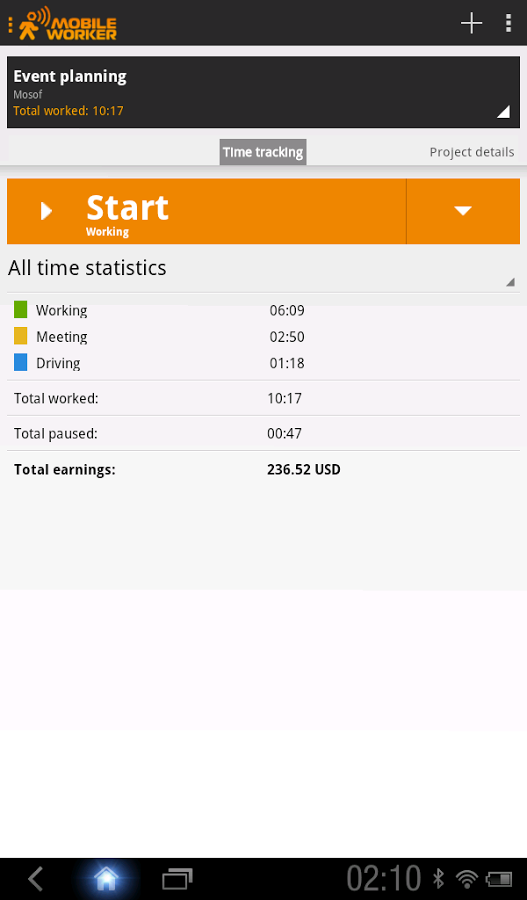
Time tracker - Mobile Worker is an Android app for those who are serious about tracking their work schedule and keeping projects organized. The app is packed with features which everyone will find useful. Whether you’re an independent contractor, a freelancer, or someone who just wants to keep a record of work hours, Mobile Worker aims to be your go-to time tracking and project management app.
Mobile Worker includes a plethora of features that are intended to make time tracking and project managing easier. Mobile Worker is designed so that everything is easily accessible, cutting down on time spent navigating the app. With only a few taps of your finger you can “clock in” on a project and keep track of work hours in real-time. Users can also enter work hours manually if needed.
Users who are on devices with limited internet access will be relieved to know that Mobile Worker functions without an active connection. The app saves all of the information you input and automatically syncs data with any associated cloud storage accounts (Dropbox or Google Drive) once an internet connection is established.
Written by Sarah Hanlon
The developers behind Mobile Worker, Mosoft AS, state that “Mobile Worker application helps you create even better services by enabling you to generate accurate bills based on careful hour time tracking and generated project timesheets.”
Mobile Worker not only functions as an efficient time tracking app, but it also provides project tracking capabilities. This is excellent for workers who manage multiple projects at once and need to keep track of various tasks at the same time. Users can even keep track of hourly rates on projects using the available earnings calculator.
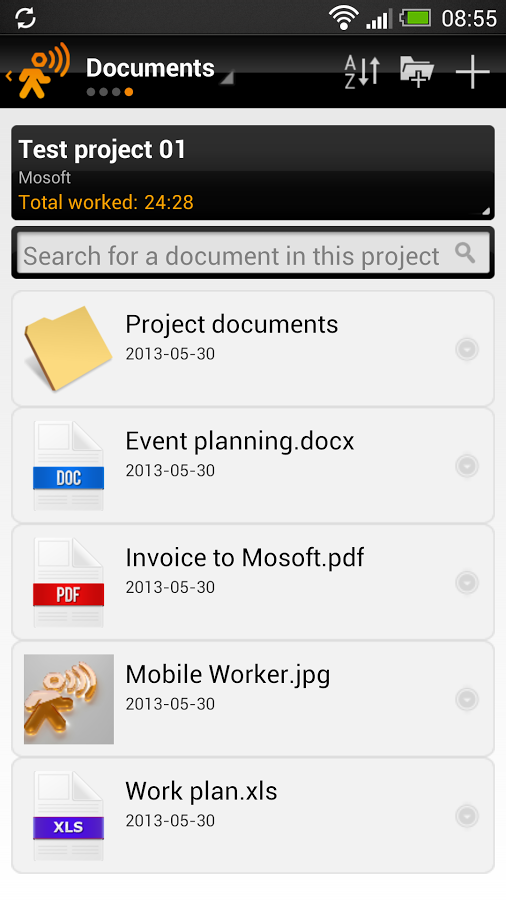
Mobile Worker allows users to snap photos and record videos of projects and attach them to project documents. The app also functions as an effective document manager, further simplifying the process of keeping track of project information.
For those who are concerned about data safety and loss prevention, Mobile Worker includes an effective automatic and manual backup solution that ensures your data is safe at all times. Backup files can be found in your associated cloud storage folder or on your device’s SD card.
Mobile Worker can be downloaded from Google Play for free and functions on most Android devices.
A fee was paid for the publication of this news item.